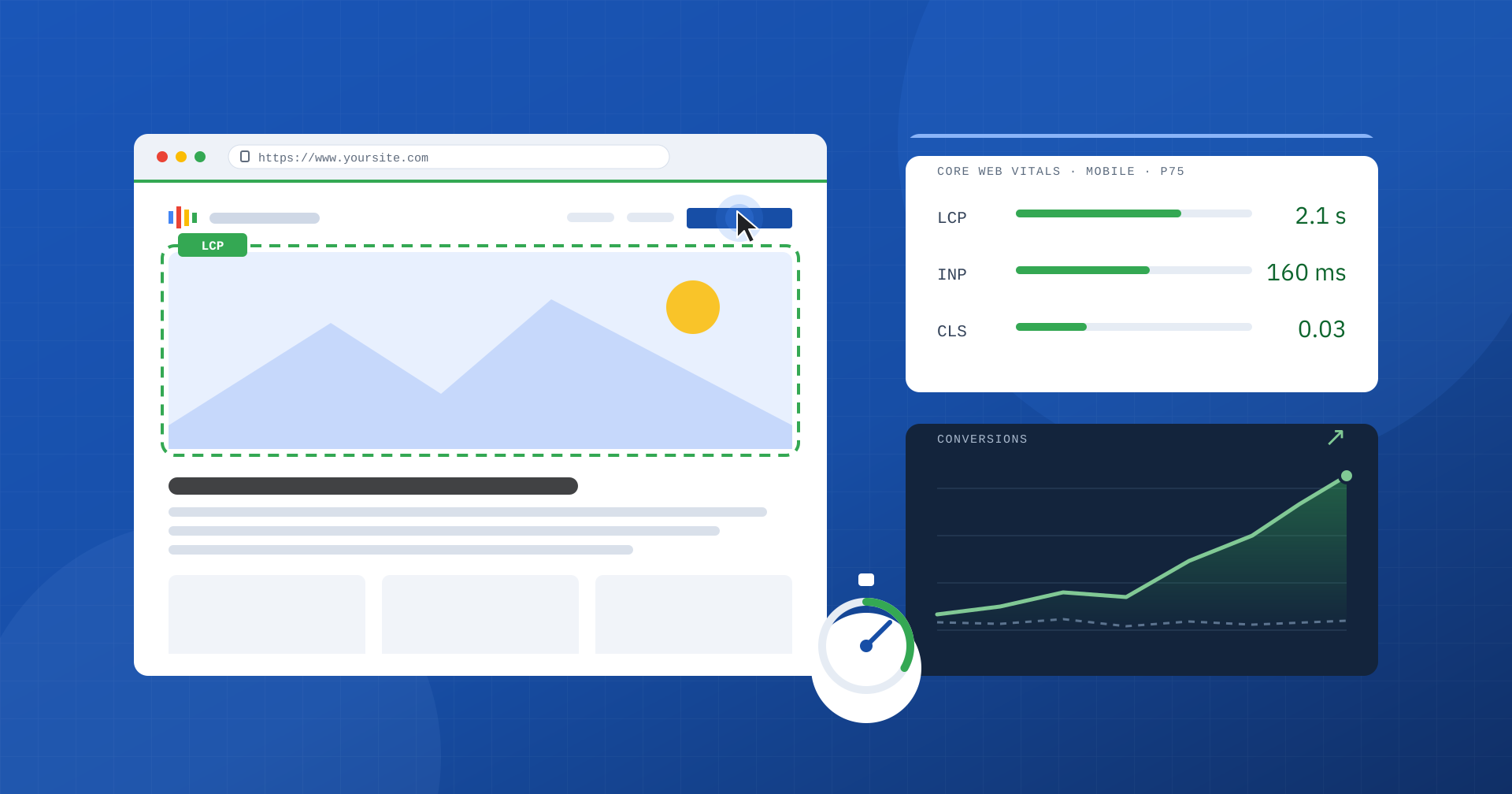
Every time someone opens a page on your site, a small negotiation begins: on one side there is the user’s attention, on the other the time the site takes to show itself, respond and stay stable. Web performance is how we measure and manage that negotiation. It is not a technical detail to leave to developers, but a product feature that affects sales, leads, advertising costs and brand reputation.
In this article we try to answer three questions in order: what web performance really means, how to measure it reliably, and why it should matter to people who make business decisions, not just to those who write code.
A working definition
Web performance is the speed and responsiveness with which a website or web application becomes usable for the people who visit it. The definition is deliberately user-centered: we do not care how powerful the server is or how light the code is in the abstract, but how much time passes before users see the content they were looking for, how quickly the page reacts when they tap a button, and whether the layout stays still while they read.
It is an important distinction, because for years speed was described with numbers that said little about the real experience: full load time, page weight, number of requests. They are useful for diagnosis, but users mostly perceive when they see what they are looking for and when they can use it.
That is why we now talk about perceived performance and break it down into three moments: when the main content becomes visible, how quickly the page responds to interactions, and how visually stable it is. These are exactly the three aspects Google has codified in Core Web Vitals.
The metrics that matter: Core Web Vitals
Core Web Vitals are three standardized metrics, measured in real users’ browsers and evaluated at the 75th percentile: a page is considered “good” only if at least three visits out of four fall within the threshold, not if the average does.
| Metric | What it measures | “Good” threshold | “Poor” threshold |
|---|---|---|---|
| LCP (Largest Contentful Paint) | When the main content appears | within 2.5 s | over 4 s |
| INP (Interaction to Next Paint) | How quickly the page responds to clicks, taps and key presses | within 200 ms | over 500 ms |
| CLS (Cumulative Layout Shift) | How much elements move around during the visit | within 0.1 | over 0.25 |
Alongside these three metrics there are others that support them, valuable for understanding where a problem comes from. TTFB (Time to First Byte) measures how long the server takes to start responding; FCP (First Contentful Paint) indicates when the first element appears on screen. They are not part of Core Web Vitals, but a high TTFB makes a good LCP almost impossible: if the server takes a second and a half to respond, the headroom for everything else shrinks dramatically.
Field data and lab data
One of the most common misunderstandings concerns how performance is measured. There are two families of data, and confusing them leads to wrong decisions.
Field data is collected from real users’ browsers, with their devices, their connections and their behavior. The best-known public source is the Chrome UX Report (CrUX), which Google also uses to evaluate page experience in search. It is the data that tells the truth, but it arrives aggregated over a 28-day window: an improvement released today only shows up in full after four weeks.
Lab data is produced by tools such as Lighthouse or PageSpeed Insights, which load the page under simulated, repeatable conditions. It is indispensable for diagnosis, because it shows what happens during loading and lets you check the effect of a change straight away. But it remains a simulation: a lab score of 95 does not guarantee that real users, perhaps on a mid-range smartphone and on the move, get a fast experience.
The lab score helps you understand why. Only real-user data tells you whether the problem is solved.
A serious approach uses both perspectives: field data to decide where to act and to verify results, the lab to find the causes and test solutions. When possible, CrUX is complemented by real-user monitoring (RUM) on your own site, which lets you drill down to the individual page, the individual element and the individual interaction.
Why performance is a business matter
The reason a company should care about web performance is not to get a green score, but that speed changes people’s behavior. Every second of waiting is a moment when users can change their minds, go back to the search results or open a competitor’s site.
Public research on this topic is plentiful and consistent. A 2017 Google study on mobile traffic estimated that when load time goes from one to three seconds, the probability that the user abandons the page increases by 32%. A 2020 analysis by Deloitte on 37 European and US brands found that an improvement of just a tenth of a second in mobile speed was associated with an average increase in conversions of 8.4% in retail and 10.1% in travel. These are averages, and every site has its own story, but the direction is always the same: less waiting means more people reaching the end of the journey.
The concrete consequences of a slow site show up in several places on the income statement:
- Lost conversions. Abandoned carts, contact forms not submitted, sign-ups interrupted. The traffic is there, but part of it drains away before turning into value.
- Less efficient ad budget. A campaign pays for every click, including from people who leave before the landing page loads. In addition, on advertising platforms the experience on the destination page contributes to ad quality and therefore to the cost per click.
- Organic visibility. Page experience, of which Core Web Vitals are part, is one of the signals Google considers. It is not enough on its own to climb the rankings, but with equally relevant content it can make the difference, and a slow site is also crawled less deeply.
- Brand perception. An interface that freezes or jumps while you use it communicates carelessness, even when products and services are excellent. Trust is also built on the feeling that “everything works”.
- Infrastructure costs. An inefficient application needs more resources to serve the same traffic. The usual response is bigger servers, which hide the problem without solving it and raise fixed costs.
There is also an aspect that is often underestimated: slowness does not affect everyone the same way. Someone browsing from the office on fiber may notice nothing, while someone arriving from a social campaign on a smartphone a few years old experiences a completely different site. And that is often the largest share of the traffic.
Where slowness comes from
A slow site rarely has a single cause. In our experience the problems are spread across two levels, which must always be analyzed together.
The first is the server level: everything that happens before the browser receives the page. What matters here is the web server configuration, the version of PHP or of the language in use, the presence and correctness of the page cache, the object cache, the state of the database, network latency and the use of modern protocols such as HTTP/3. A badly configured cache, for example, can be bypassed by a simple cookie and force the server to generate every page from scratch.
The second is the application level: what the browser has to download, parse and execute. Images that are not optimized or are loaded without priority, fonts that block text, stylesheets and scripts that grow with every new plugin, widget and third-party tag all running at startup, elements inserted after the first render that shift the content. In the most common CMSs, such as WordPress, WooCommerce, Magento or PrestaShop, this accumulation is almost physiological: every feature added for marketing or management brings its own code.
Separating the two levels is also essential to avoid wasting budget: optimizing the front end of a site with a 2-second TTFB produces modest results, just as upgrading the server does not fix an INP compromised by third-party JavaScript.
The limits of shortcuts
The market offers many “one-click” solutions: optimization plugins, services that promise perfect scores, preset configurations. Some are useful, but none knows your site. Delaying all JavaScript until the first click can improve the lab score and worsen the real INP, because the work does not disappear: it moves to the moment the user interacts. Automatically removing “unused” CSS can break menus, filters and dynamic states that the test did not see.
There are even techniques that serve a different version of the site to testing tools, achieving excellent scores while real users keep waiting. That is why a green score on its own proves nothing: what counts is what field data measures.
A sustainable method
Improving performance in a lasting way takes a structured process rather than an isolated intervention. The method we apply has four phases:
- Measure. Start from field data to understand which pages and which metrics are critical, for which devices and with what impact on real traffic.
- Diagnose. Use the lab and real-user monitoring to trace the causes, distinguishing what depends on the server from what depends on the application.
- Act by priority. Order the changes by the ratio between expected impact and cost, starting from the pages that generate the most value: product pages, categories, campaign landing pages, most-read articles.
- Verify and maintain. Compare the data before and after, over the same time window, and set up checks that stop you from sliding back with every new plugin, banner or marketing script.
The last phase is what separates a successful project from a temporary improvement. A website is an organism that changes every week, and performance should be treated as a permanent requirement, with thresholds shared between development, marketing and suppliers.
In summary
Web performance measures how quickly a site becomes useful to the people who visit it: when it shows the content, how quickly it responds and how stable it stays. It is assessed with Core Web Vitals, observed on real users and interpreted with the help of the lab. And it directly affects results: conversions, campaign costs, visibility, reputation and infrastructure costs.
Treating it as a marginal technical topic means accepting, often without knowing it, losing part of the value the site could generate. Treating it as a business lever means measuring, setting priorities and acting where users’ time turns into results.
